
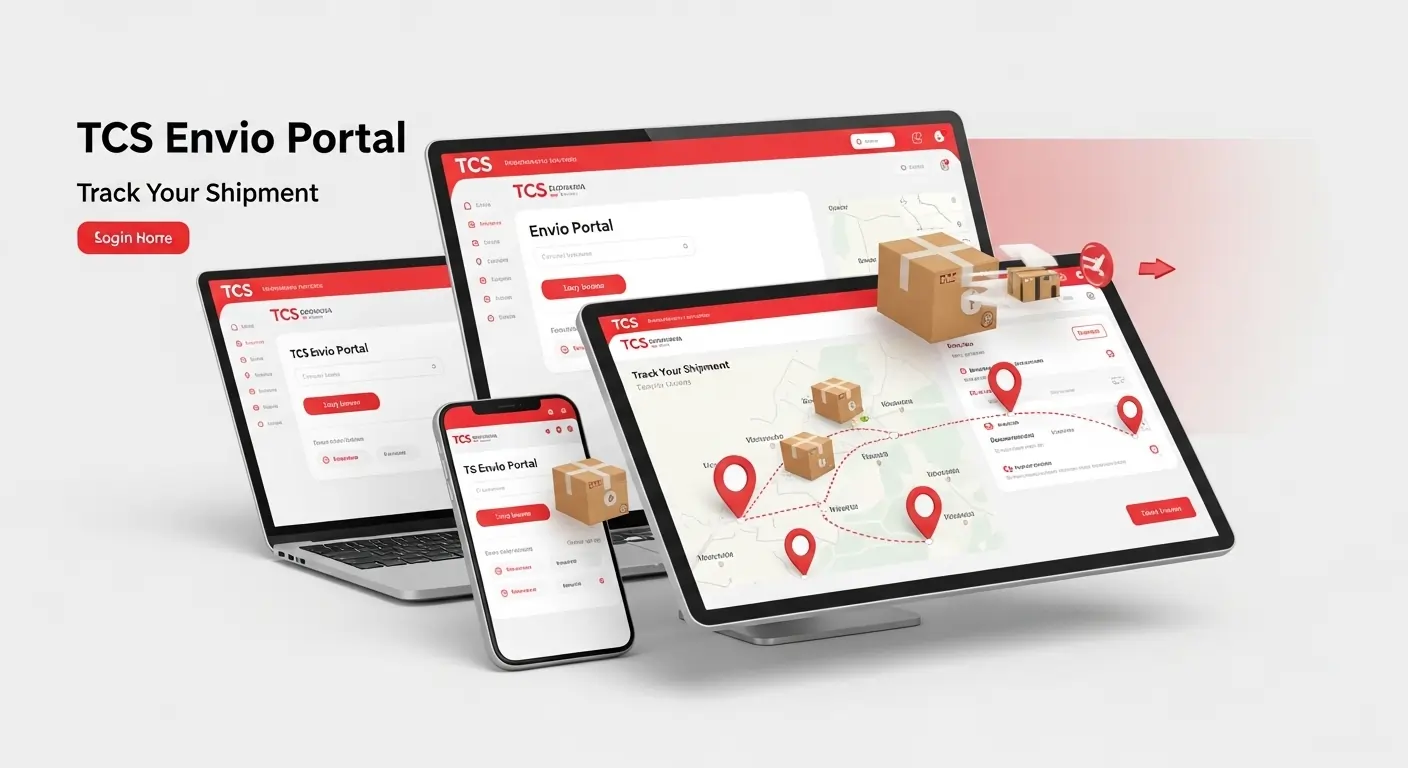
TCS Envio & Rate Calculator – The Complete Guide for Pakistan and International Shipments
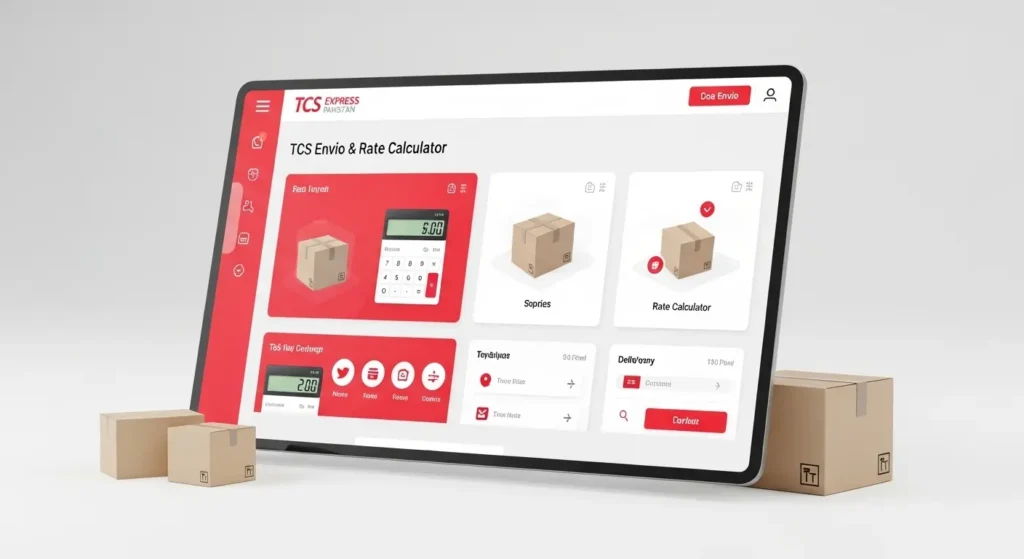
The TCS Envio portal and TCS Rate Calculator are indispensable tools for anyone sending parcels, whether within Pakistan or internationally. From individuals sending gifts to businesses managing bulk shipments, TCS provides a reliable, user-friendly platform to calculate courier charges, track shipments, and schedule pickups.
By using the TCS portal, you can save time, reduce errors, and ensure that every parcel reaches its destination safely. This guide covers everything you need to know about TCS Envio, TCS rate calculator, international rates, and practical tips for efficient shipping.
What is TCS Envio Portal?
The TCS Envio portal is an advanced logistics platform that allows users to manage shipments effectively. Unlike traditional methods, this portal provides real-time access to parcel information, tracking updates, and detailed shipping reports.
Key Features of TCS Envio Portal:
- Track multiple shipments simultaneously
- Generate reports for business accounting and analysis
- Schedule home pickups for convenience
- Manage domestic and international shipments
Using the portal helps businesses streamline their delivery process and reduces errors caused by manual tracking. For individuals, it ensures that your parcels are always under control and easy to monitor.
Benefits of Using TCS Envio Portal
- Real-time tracking: Know where your parcel is at every stage.
- Convenience: Schedule home pickups to save trips to the courier office.
- Accuracy: Get precise billing, rates, and parcel information.
- Business efficiency: Manage bulk orders without confusion.
How to Login to TCS Envio Portal
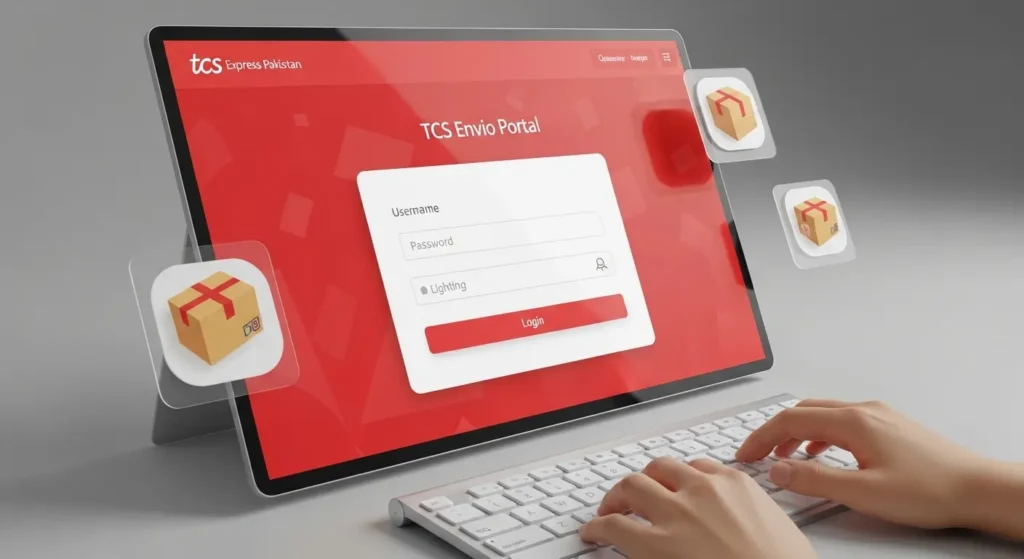
Accessing your account on the TCS Envio portal is straightforward. Follow these steps:
Step 1: Visit TCS Envio Login.
Step 2: Enter your registered email and password.
Step 3: Click Login to enter the dashboard.
Step 4: For forgotten passwords, click Reset Password and follow instructions.
Common Login Issues:
- Incorrect credentials
- Browser cache or cookies interference
- Temporary portal downtime
By solving these issues, you can always access the portal without interruptions.
TCS Rate Calculator – How It Works
The TCS Rate Calculator is designed to provide accurate shipping costs for both domestic and international shipments. It considers multiple factors like weight, origin, destination, and delivery type.
Step-by-Step Guide to Using TCS Rate Calculator:
- Select the origin city.
- Select the destination city or country.
- Enter the parcel weight in kilograms.
- Choose the delivery type (Standard, Express, or Overnight).
- Click Calculate to see the shipping charges.
Example Calculations:
- Karachi → Lahore, 1kg: PKR 300
- Karachi → Dubai, 2kg: PKR 2,500
- Lahore → Islamabad, 0.5kg: PKR 200
Tips to Reduce Shipping Costs:
- Use bulk shipment options for businesses.
- Choose economy delivery if time is flexible.
- Schedule home pickups instead of visiting the courier office.
TCS International Rates & Charges
For international shipments, TCS rates vary depending on weight and destination. The TCS International Rate Calculator allows you to estimate shipping costs for parcels and documents.
Sample International Rates:
- 1kg to USA → PKR 2,800
- 1kg to UK → PKR 3,000
- 2kg to UAE → PKR 2,500
Factors Affecting TCS International Rates:
- Parcel weight and dimensions
- Delivery speed (Standard, Express, Overnight)
- Destination country and customs charges
By understanding these rates, businesses can plan their international shipments more effectively.
TCS Services & Options
TCS offers a wide range of services to meet different customer needs:
Domestic Services:
- Standard Delivery
- Express Delivery
- Overnight Delivery
- Same-Day Delivery
International Services:
- Documents Courier
- Parcel Courier
- Red Box International Rates
Additional Options:
- Home Pickup Service
- Cash-on-Delivery (COD)
- Tracking by CN Number
- Scheduled Deliveries
These options allow businesses and individuals to choose services according to urgency, budget, and convenience.
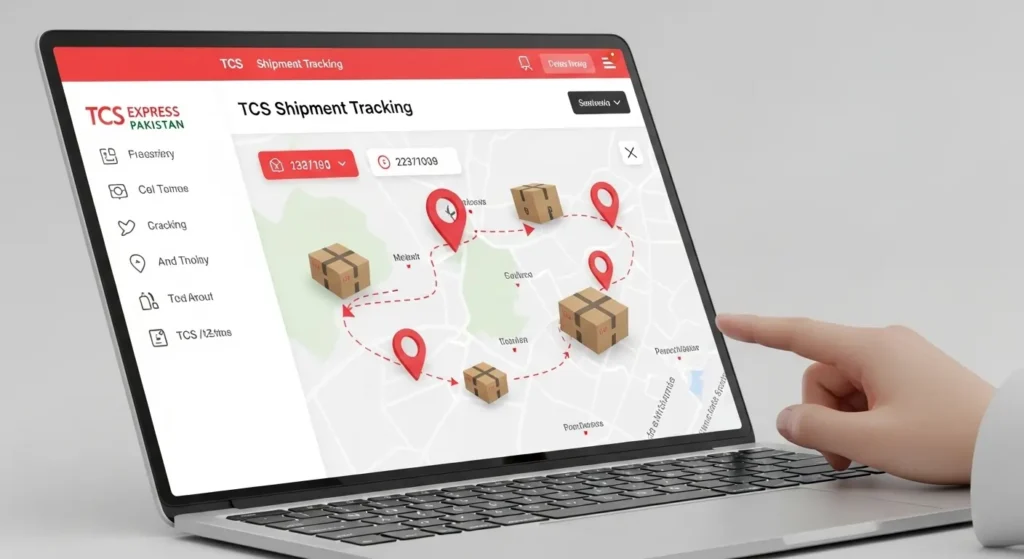
How to Track Your TCS Shipment
Tracking your parcel is simple with TCS Envio or TCS tracking portal.
Steps for Tracking:
- Visit TCS Tracking Portal.
- Enter your CN (consignment number) or reference number.
- Click Track to see the parcel status.
Common Tracking Statuses:
- Arrived at TCS Facility: Parcel has reached a processing center.
- In Transit: Parcel is on the way to the destination.
- Out for Delivery: Parcel is with the delivery agent.
- Delivered: Parcel has been delivered successfully.
FAQs About TCS Envio & Rate Calculator
Q1: What is TCS Envio?
A: A portal for managing and tracking domestic and international shipments.
Q2: How do I use TCS Rate Calculator?
A: Enter shipment details like origin, destination, weight, and delivery type, then click Calculate.
Q3: Can I schedule home pickup?
A: Yes, the portal allows scheduling pickups from your location.
Q4: What are TCS international rates per kg?
A: Rates depend on the destination and weight. Use the calculator for exact charges.
Q5: Is TCS Envio login free?
A: Yes, free for both individuals and businesses.
Q6: Can businesses manage bulk shipments?
A: Yes, Envio portal is ideal for handling multiple shipments simultaneously.
Tips for Using TCS Efficiently
- Always check rates before shipping.
- Schedule home pickups to save time.
- Track shipments regularly to avoid delays.
- Use COD service for payments at delivery.
- Choose the right delivery type to match urgency and budget.
Conclusion
TCS is more than just a courier service. With TCS Envio portal and TCS Rate Calculator, you can manage shipments efficiently, track parcels in real-time, and save on shipping costs. Businesses can optimize logistics, while individuals enjoy convenience and accuracy. Always calculate rates beforehand and use the portal features to make shipping smooth and hassle-free.